Receipts to Notion
iOS · Scriptable · GPT-4o Vision · Notion API · April 2026
I accumulate receipts—paper slips, hardware store receipts, and warranty notes that end up fading in a drawer. I wanted a zero-friction system: snap a picture, let an LLM extract the essentials, and file it cleanly into Notion before putting the phone back in my pocket.
No separate subscription scanner app, and no third-party storage. Just a lightweight JavaScript script running locally inside Scriptable on iOS.
The whole flow takes about fifteen seconds. The receipt is photographed, structured, and archived in Notion with zero manual data entry.
How it works
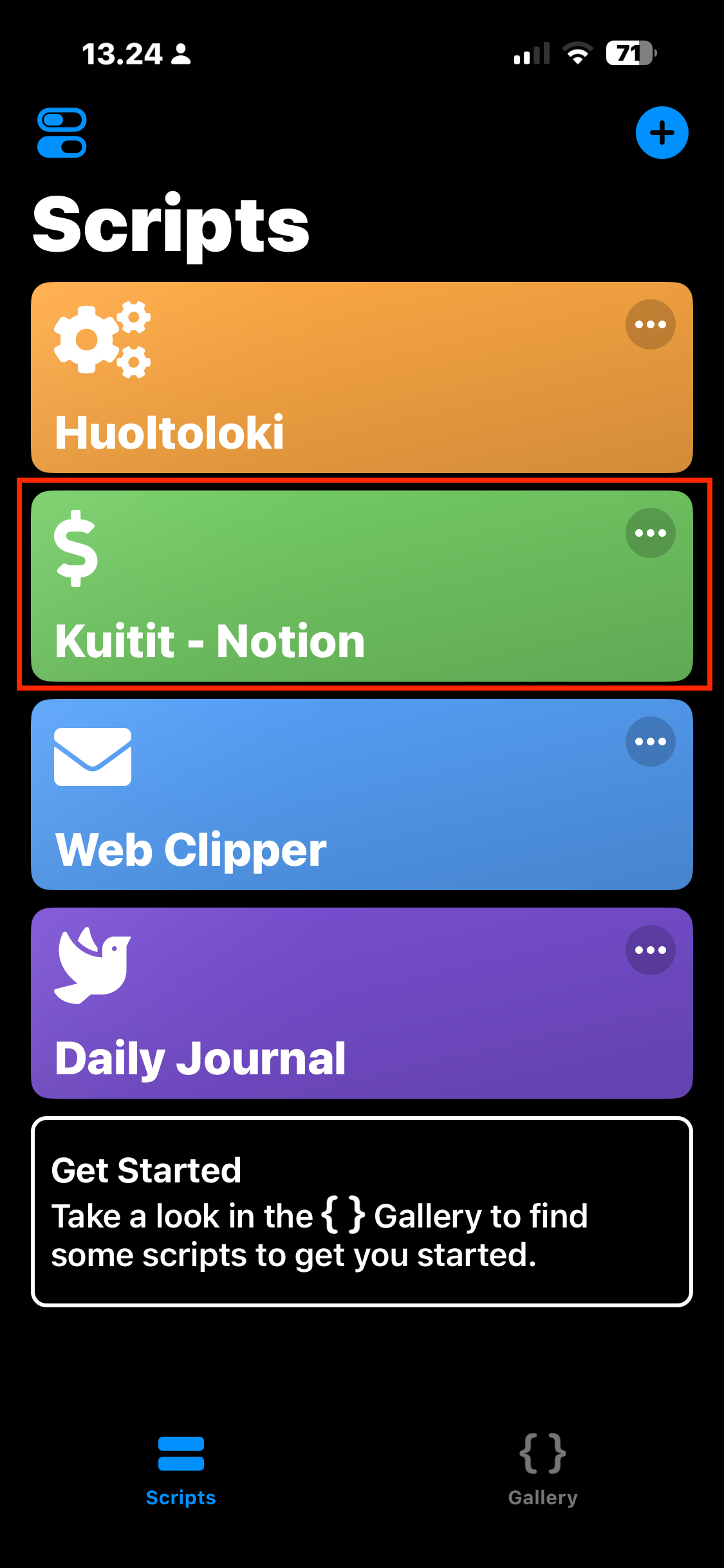
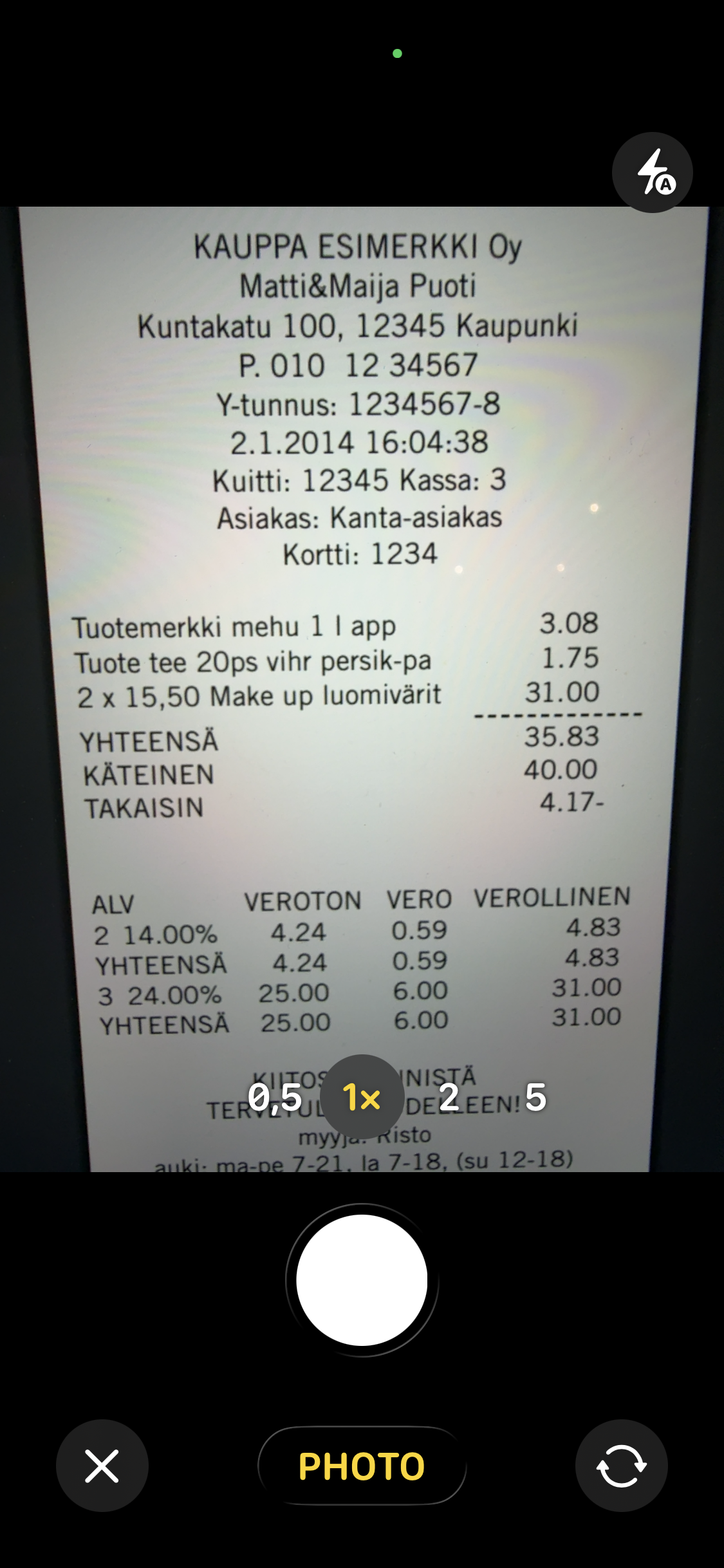
Tap the script icon on iOS to trigger the camera and snap the receipt.
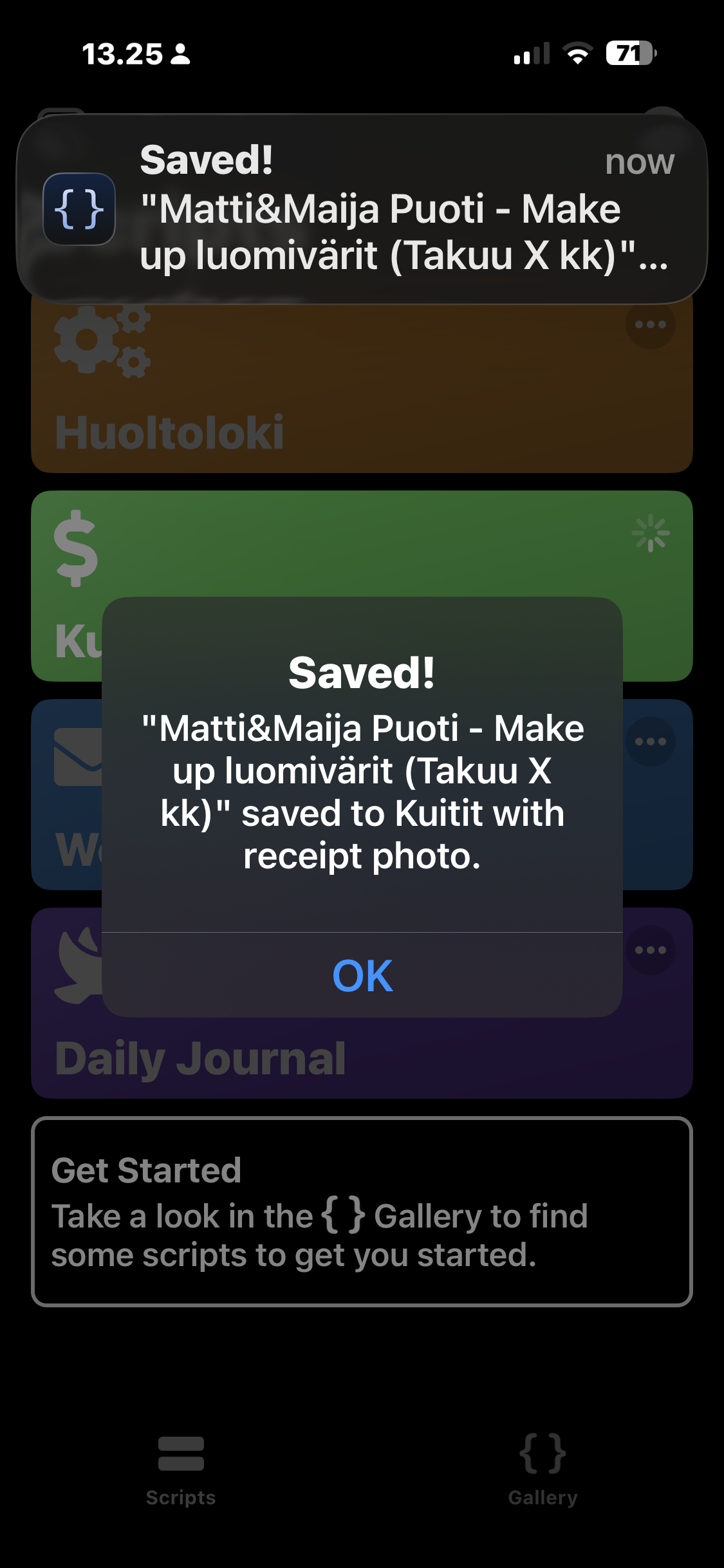
Vision parsing: The photo is sent to OpenAI's GPT-4o Vision, which extracts key metadata: store name, purchase date, total sum, warranty period, and the single most expensive item.
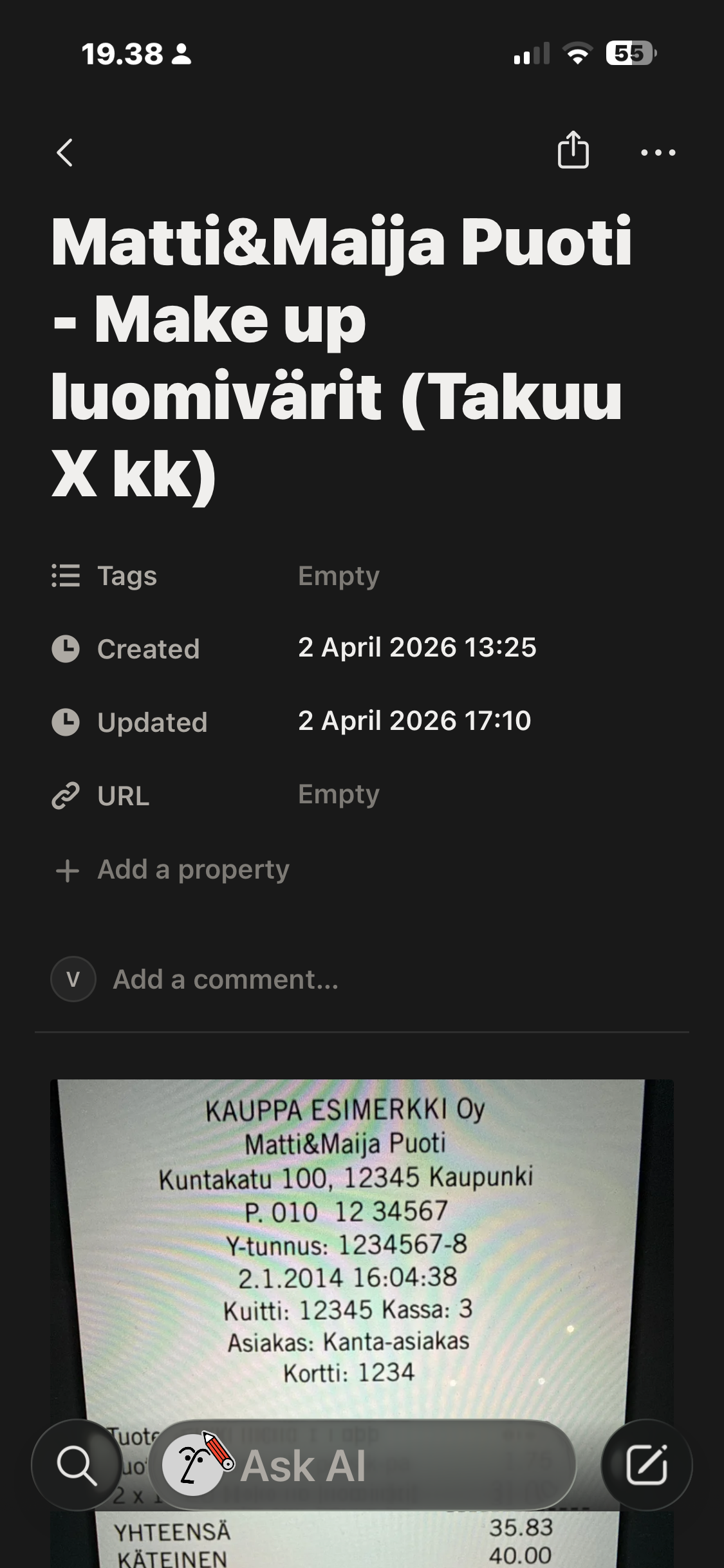
Direct Notion upload: The script uses Notion's native file upload API to attach the photo directly into the created database page—keeping the original image inside Notion rather than on external hosting.
Searchable OCR: The full parsed text is preserved inside the page body, so months later any receipt can be found with a simple keyword search.